Your Backup Ran Every Night. What the Restore Test Found, and What It Cost
A six-person design studio thought it had backups. A four-hour restore test found what the green checkmarks were actually covering, and what fixing it cost.
Hilde Brekke·5 min read·1,147 words
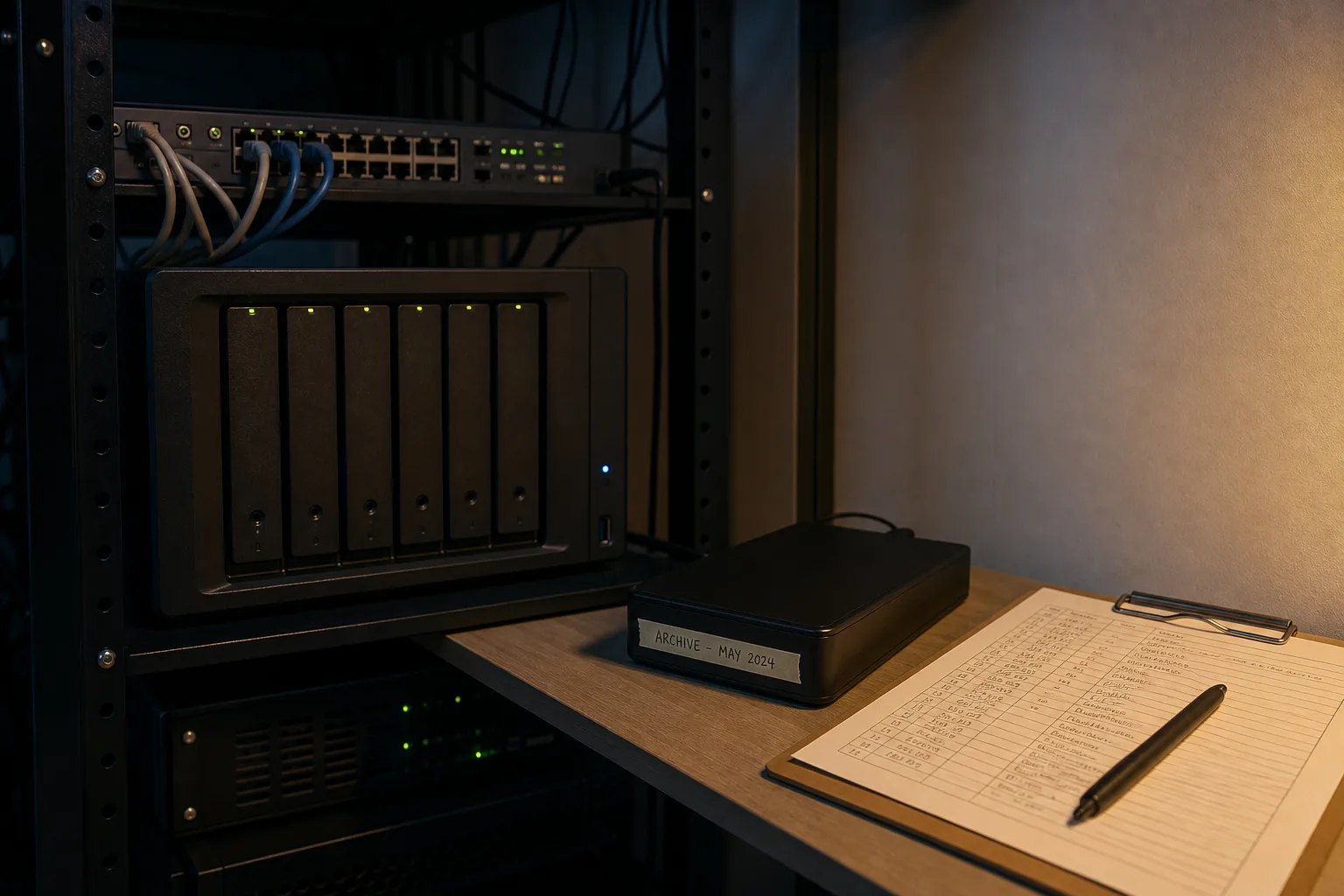
The studio in question is six people who draw buildings, keep about four terabytes of live project files, and had, by every visible sign, been backing up nightly for years. The dashboard was green. The monthly email said the job completed. When their new insurance renewal asked whether they had tested a restore in the past twelve months, the office manager checked the honest box, which was no, and then booked four hours with an outside consultant to find out. What that afternoon found, and what it cost to correct, is worth reporting in detail, because the failure was not exotic and the fix was not expensive.
The word on the dashboard was not the word they thought it was
Their arrangement was a cloud file service, a good one, syncing the working drive continuously, plus a local network drive that copied the same folders on a schedule. Everyone in the office called this the backup. The vendor called it sync, and in the fine print called the retained older copies version history, with a retention window measured in days rather than years. Those are three different promises wearing similar clothes. A sync replicates what exists, including a deletion, including an encryption event, including a project folder a departing employee tidied in March. A backup keeps a copy the live system cannot reach and cannot alter. The studio was paying for the first and describing it as the second.
The consultant did not argue about vocabulary in the abstract. She asked for a specific file, a structural set from a job closed eighteen months earlier, and asked to see it recovered to a folder on the desktop. The cloud service could not produce it, because the version window had long since rolled past. The local drive had a copy, or appeared to. That is where the second half of the afternoon went.
What a four-hour test actually surfaced
The local network drive had been copying the correct folders faithfully. It had also, for roughly eleven months, been skipping one share, the one holding the firm's accounting file and its scanned signed contracts, because a permissions change during a server update had quietly broken the job's access to it. The job still reported success, because from the software's point of view it had done everything it was asked to do with everything it could see. That is the flaw that matters, and it is invisible without a restore. Nothing about the interface was broken. Nothing needed replacing. The finish looked clean and the seam underneath had opened.
The cosmetic problems found the same day were real but minor: an old laptop no longer enrolled, two employees keeping working copies on their desktops outside the synced tree, a naming convention nobody follows. Those are worth fixing in an afternoon and not worth losing sleep over. The permissions gap was the one that would have cost the firm its contract archive and its books in a single bad week, and the only reason anyone knew about it was that someone tried to pull a file back out.
What it cost, and what the price is actually made of
The correction had three line items and a fourth that people forget. The first was a backup service that keeps copies in storage the studio's own credentials cannot delete, sold per protected device with a separate rate for the server, which is where most of the data lives. Per-seat pricing means the cost scales with headcount, not with panic, and a six-person firm sits at the cheap end of every vendor's table. The second was capacity and retention. Four terabytes held for thirty days and four terabytes held for seven years are the same data and very different invoices, because retention multiplies the copies you are storing, and retention is the number most buyers set without thinking.
The third item is the one that surprises people at the worst moment, which is the cost of getting data back. Some providers include restores. Some meter them, charging by the gigabyte pulled out, and some charge for the expedited option, a physical drive shipped overnight, which is what you want when the alternative is pulling four terabytes down a business broadband line over several days. Ask about egress before you sign, not after the server dies. The fourth cost is labor: someone's billable hours, quarterly, to run a test restore and write down the result. That hour is the whole product. Everything else is storage.
What drives the total, in order, is data volume, retention length, the number of endpoints, whether restores are metered, and whether you are paying a person or doing it yourself. Downtime is the shadow cost that sets how much of the rest is worth buying. A studio that can afford to be dark for three days buys differently from a dental practice that cannot reschedule a day of patients, and the honest way to size the spend is to price your own idle week first.
Why the questions changed, and why they changed recently
The renewal questionnaire that started all this did not exist in that form a few years ago. Cyber coverage underwriting has moved from asking whether you have backups to asking where they are held, whether they can be deleted with the same credentials that run the network, and when a restore was last verified. That shift followed the practical reality that attackers now look for the backup first, and that a copy sitting on a mapped drive under the same admin account is not a copy at all. Vendors responded by making immutable storage, sometimes sold as object lock, a standard option rather than an enterprise upsell, and the price of it has come down enough that a six-person firm can buy what a hospital system bought five years ago.
The National Institute of Standards and Technology is responsible for the federal cybersecurity framework that most of these questionnaires borrow their language from, and the direction of that language has been consistent: recovery is a tested capability, not a purchased product. The practical version for a small office is short. Keep one copy the live network cannot reach or erase. Know what your restore costs and how long it takes. Pull one real file back every quarter and note the date and the result on paper, because that note is what the underwriter, and eventually you, will want to see.
The studio's total correction ran to a modest monthly service fee, one afternoon of consulting, and a recurring calendar entry. Two quarters later, an employee deleted a live project folder on a Friday, which is what employees do, and it came back before lunch on Monday from a copy nobody at the firm had permission to touch. That is what the finish is supposed to look like when you get close enough to inspect it.